¿Prefiere leer este artículo en español? → Tipos de hipervisores y por qué usamos Proxmox
Most small offices run more servers than anyone realises. There's the machine holding the accounting file, another running the software the alarm company installed, and often a third that exists only because one program refuses to share a computer with anything else. For years the answer was to buy another box every time a new program showed up, and that worked until software started demanding newer versions of Windows faster than anyone wanted to buy hardware. This article explains what a hypervisor is, which three you'll actually be offered, and why Proxmox for small business servers is the one we install and manage every day.
A hypervisor is one program that lets a single server pretend to be several
A hypervisor is software that splits one physical server into several virtual machines, each with its own operating system, its own disk, and no idea the others exist. There are two kinds. A type 1 hypervisor installs directly onto the bare hardware, so it's the first thing the machine loads and nothing sits between it and the processor. A type 2 hypervisor runs as an ordinary app on top of Windows or macOS, which is fine for trying something on a laptop and wrong for anything your business depends on. Every option below is type 1.
What this buys a dental office or a freight broker has nothing to do with technology. One well-specified server holds six machines instead of one, each isolated, each able to be copied, moved, or rolled back in minutes. A physical server can't be rolled back. That difference is most of the argument.
The three hypervisors a small business actually gets offered
There's no trustworthy public count of which hypervisor runs on the most servers, so treat the percentages in vendor blog posts as marketing rather than measurement. What isn't in doubt is which three names come up when a business in Miami asks for a quote. VMware, now owned by Broadcom, is the long-standing incumbent. Microsoft's Hyper-V is already inside the Windows Server you may have bought, switched off. Proxmox Virtual Environment is the open-source option its makers say now runs on more than two million hosts worldwide [Proxmox, May 2026].
Cost is where they separate, and the shape of the cost matters more than the number. Broadcom's own rules require you to license a minimum of 16 physical cores for each CPU in a host, even when the chip has fewer than 16 [Broadcom, 2025]. A two-processor server with 8-core chips is therefore billed as 32 cores. You pay for roughly twice the machine you own.
Hyper-V looks free because it's a feature you switch on rather than a product you buy, but the Windows licence underneath it is not. Microsoft's suggested price for Windows Server 2025 Standard is $1,176 for 16 core licences, and that edition permits two virtual machines plus the Hyper-V host itself — running more means Datacenter at $6,771, and either way every user or device still needs an access licence [Microsoft, 2026]. Proxmox costs nothing to download and run. Its paid subscriptions start at €120 a year per processor socket, which buys the tested update repository and help from the community forum rather than a support desk. Tiers with actual support tickets begin at €370 and run to €1,100 for a guaranteed two-hour first response. The number of cores in that socket never changes the price.
| VMware (Broadcom) | Microsoft Hyper-V | Proxmox VE | |
|---|---|---|---|
| What you pay for | Subscription per core | The Windows Server licence | Optional support per socket |
| Billing minimum | 16 cores per CPU, even if fewer | 16 core licences per server | None — cores don't affect price |
| Entry cost | Quote only, no public list price | $1,176 for 2 VMs | $0, subscriptions from €120/yr |
| Backup included | Sold separately | Windows Server Backup, basic | Yes, plus a free backup server |
| Clustering, live migration | Higher tiers | Included, needs shared storage | Included in the free version |
| Best fit | Large estates already invested | Offices that are all Windows | Mixed shops watching the budget |
Prices checked on August 29, 2026 (the day this article was written) and rounded — vendors change tiers often, and Proxmox prices are quoted in euros because that's how Proxmox publishes them.
Why we pick Proxmox for small business virtualization
Three things decide it, and only one is the price tag. Paying per socket rather than per core means the hardware you choose stays your own business. Nothing is held back for a higher tier either. Clustering, live migration between hosts, snapshots, ZFS storage with its built-in checksums, and the backup system all ship in the version that costs nothing, so the platform doesn't get more expensive as your setup gets more sensible.
The third reason catches people out. Proxmox runs on plain Debian Linux, so it supports the hardware Linux supports, and Linux is famously reluctant to drop anything. Compare ESXi 9.0, where Broadcom ended support for Intel's Skylake generation and marked Cascade Lake deprecated, warning that on those machines the hardware "will not be recognized by ESX 9.x during installation" and that "upgrades from the previous release may also fail" [Broadcom, 2025]. A server bought in 2019 that still runs perfectly can be disqualified by a software upgrade. That's a strange thing to have to budget for.
None of that makes Proxmox right for everybody. There's no giant vendor to escalate to, so unless you buy a subscription your support is a public forum, and someone on your side has to be comfortable with Linux when something unusual happens. If you already run a large VMware estate with staff trained on it, migrating is real work rather than an afternoon. For a company running between two and forty virtual machines, though, we've yet to see the maths favour anything else.
New software keeps demanding a newer Windows, and virtualization is how you keep up
This is the pressure most owners feel without naming it. Your practice management software, your CAD package, or your point-of-sale back office announces that the next version needs a newer server operating system, and the deadline isn't negotiable. Microsoft's lifecycle page puts the end of extended support for Windows Server 2016 at January 13, 2027 — under five months away — after which it stops getting security fixes [Microsoft]. On a physical server, meeting that date means buying hardware, booking a weekend, and hoping.
On a hypervisor it means creating a virtual machine. You build the new Windows Server beside the old one on the same box, install the software, and test it while the old machine is still running and still serving people. If the cutover goes badly you power the old machine back on and you're where you started. The stubborn application that only runs on an ancient operating system doesn't block anything either, because it keeps its own isolated virtual machine, walled off from the network it shouldn't be touching. Buying hardware to solve a software deadline is the expensive way to do it.
A backup that never leaves the building is not a backup
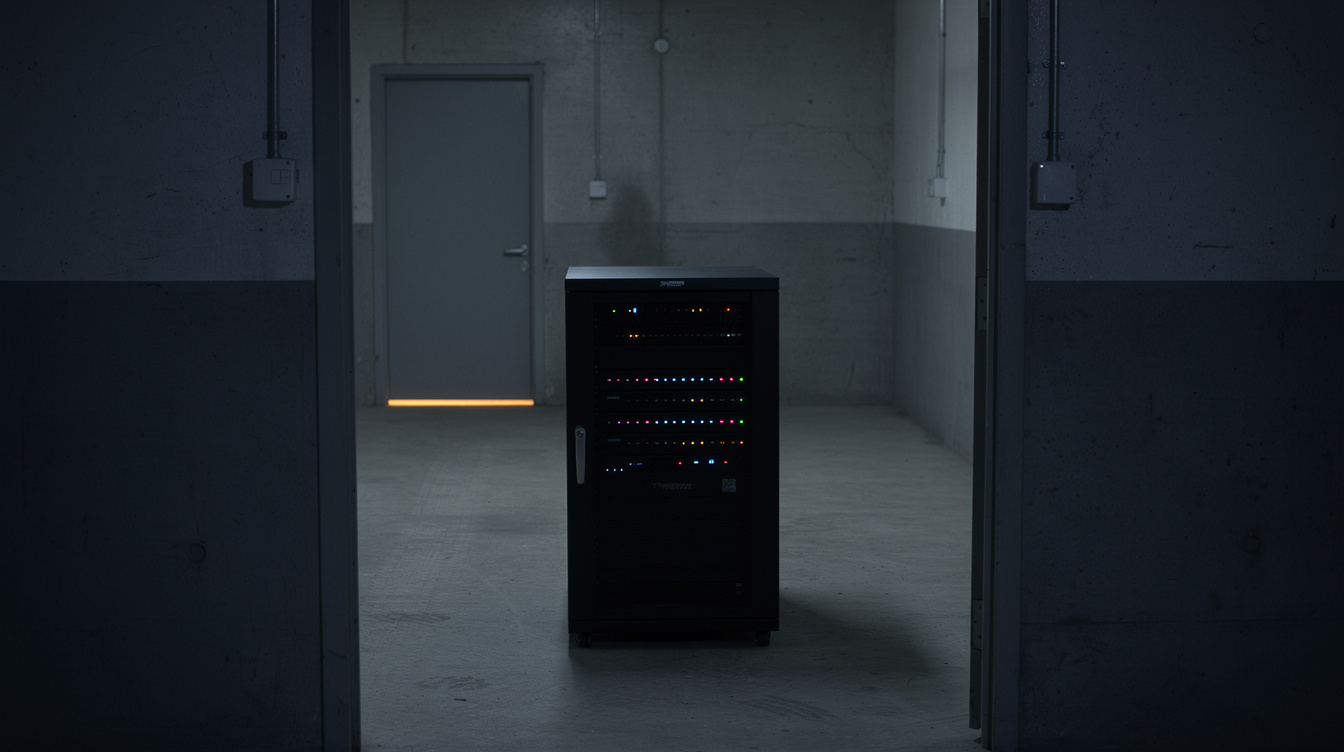
In Veeam's 2025 survey of 1,300 organisations, among those actually hit by ransomware only 10% recovered more than 90% of their data, and 57% got back less than half of it [Veeam, April 2025]. Most of those companies had backups. What they didn't have was a copy that survived, because a backup sitting on the same network as the servers it protects is one stolen password away from being deleted along with everything else.
Proxmox Backup Server is what makes the alternative practical. It sends only the blocks that changed since last time, strips duplicate data across every machine it protects, and encrypts on the client side with AES-256 before anything is written, so the storage never sees readable data. Scheduled verify jobs re-read what's stored and check it against its SHA-256 fingerprints, which is how you find a broken backup on a Tuesday rather than during an emergency.
A second backup server in another building then pulls from the first on a schedule, and "only deltas containing new data are transferred", so the offsite copy updates nightly over an ordinary business internet connection [Proxmox, 2026]. One thing is worth stating plainly. A snapshot is not a backup — it lives on the same disks as the machine it came from, and it exists so you can undo an update ten minutes later, not so you can survive a fire.
The habits we follow on every Proxmox cluster we run
Good practice here is unglamorous. Most of it is about assuming things will break. We build clusters in threes rather than twos, because three hosts can vote on which of them is still healthy and two can only argue. Boot drives are mirrored and storage runs on ZFS, which checksums every block it reads and repairs quietly from the mirror when it finds a bad one, so silent corruption gets caught instead of backed up faithfully for a year. Management traffic gets its own network, and the web console is never reachable from the open internet — it sits behind a VPN, so a stolen password on its own opens nothing.
Hosts run the stable enterprise update repository rather than the test one, patching happens on a schedule rather than when something breaks, and every host sits behind a battery backup that shuts the cluster down cleanly when the power has been out too long. Backups run nightly, verify jobs run at the weekend, and copies replicate offsite. We also restore something on purpose every month, because a backup nobody has ever restored is a belief rather than a fact. The written restore procedure lives outside the systems it describes, since a recovery plan stored only on the server you're recovering is a joke that stops being funny at 2 a.m.
If you'd rather not run any of this yourself, that's what our managed IT service covers, starting at $40 a month for monitoring and patching and $120 a month for the fully managed version that includes backup and labour. And if owning the hardware is the part you'd like to skip entirely, our cloud hosting puts the same kind of virtual machines in a data centre instead of your closet, which suits businesses with one small office and no room for a rack.
Ask what your own server would cost to virtualize
The principle underneath all of this is that your business should decide when hardware gets replaced, not a licensing rule and not a compatibility list. A hypervisor buys that freedom, and Proxmox hands it over without charging by the core or retiring your server on someone else's schedule. Get the backups offsite and tested, and the rest is maintenance. If you want a plain answer about what your current setup would look like virtualized, tell us what you're running and we'll work it out — no proposal attached.
Sources
Written from Proxmox's announcement of Proxmox VE 9.2 (May 2026) and its subscription pricing page, the Proxmox Backup Server documentation, Broadcom's knowledge base articles on counting cores for VMware Cloud Foundation and deprecated CPUs in ESX 9.0, Microsoft's Windows Server pricing and Windows Server 2016 lifecycle pages, and Veeam's 2025 ransomware trends research.